Generating Fights
Generating Fights
By following these steps, administrators can efficiently manage category adjustments and generate fights.
- Log in to your account as the administrator.
- Navigate to the Scoreboard section in the application.
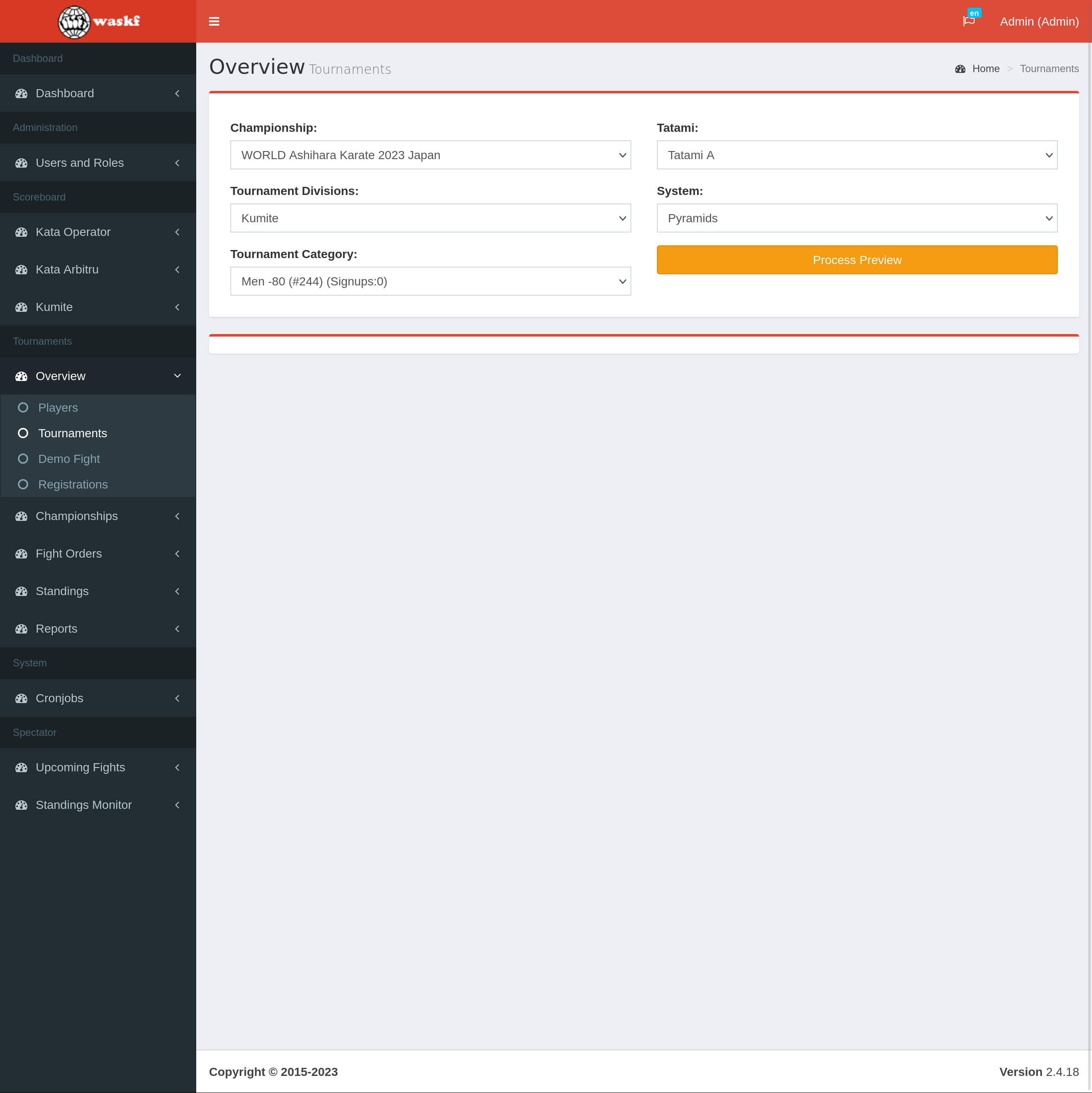
- Once the Scoreboard is loaded, access the Overview menu and select the "Tournaments" submenu.
- Choose the specific Championship and Tournament from the available options.
- On the right side of the screen, a list of tournament systems and available tatamis will be displayed.
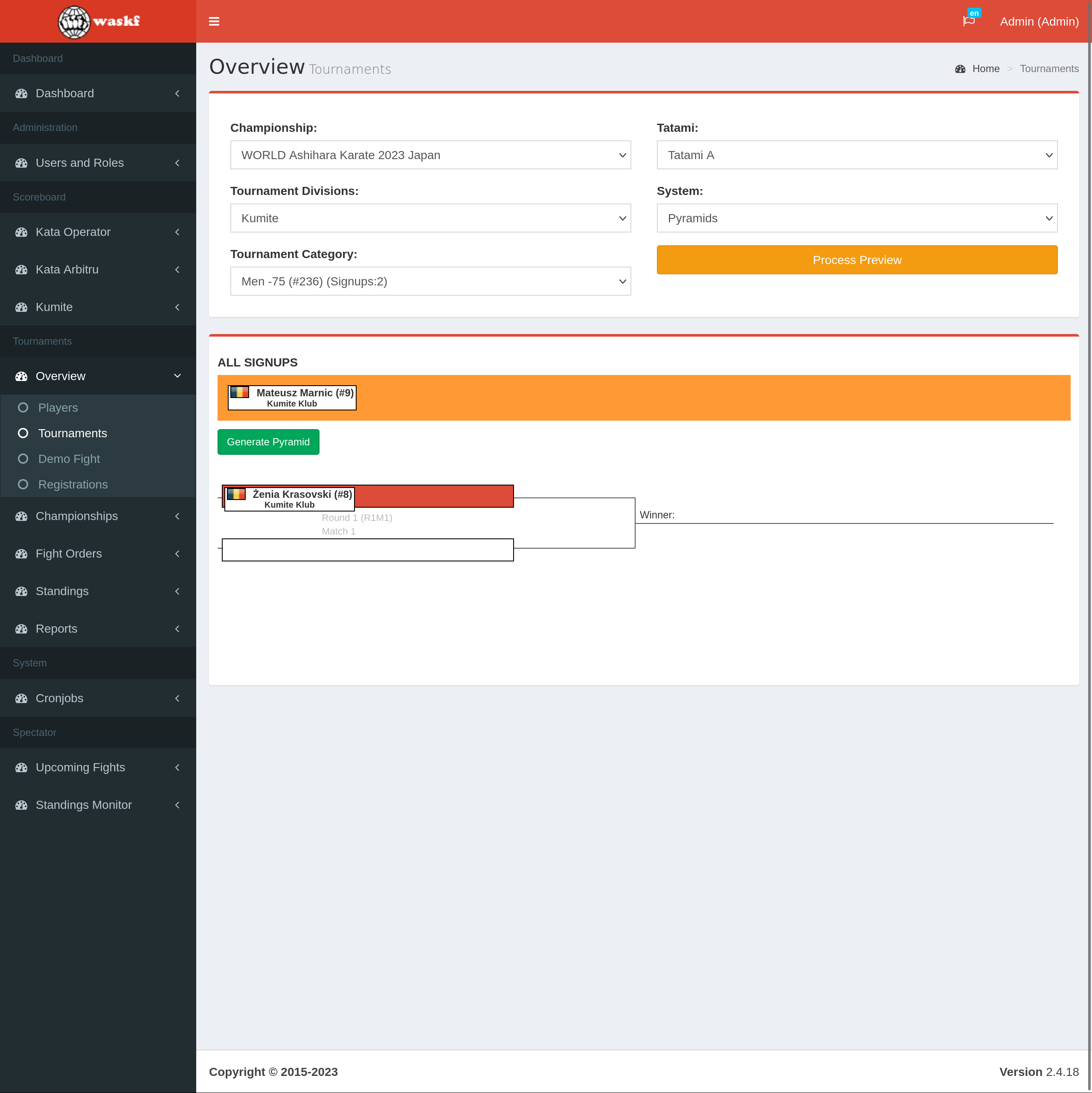
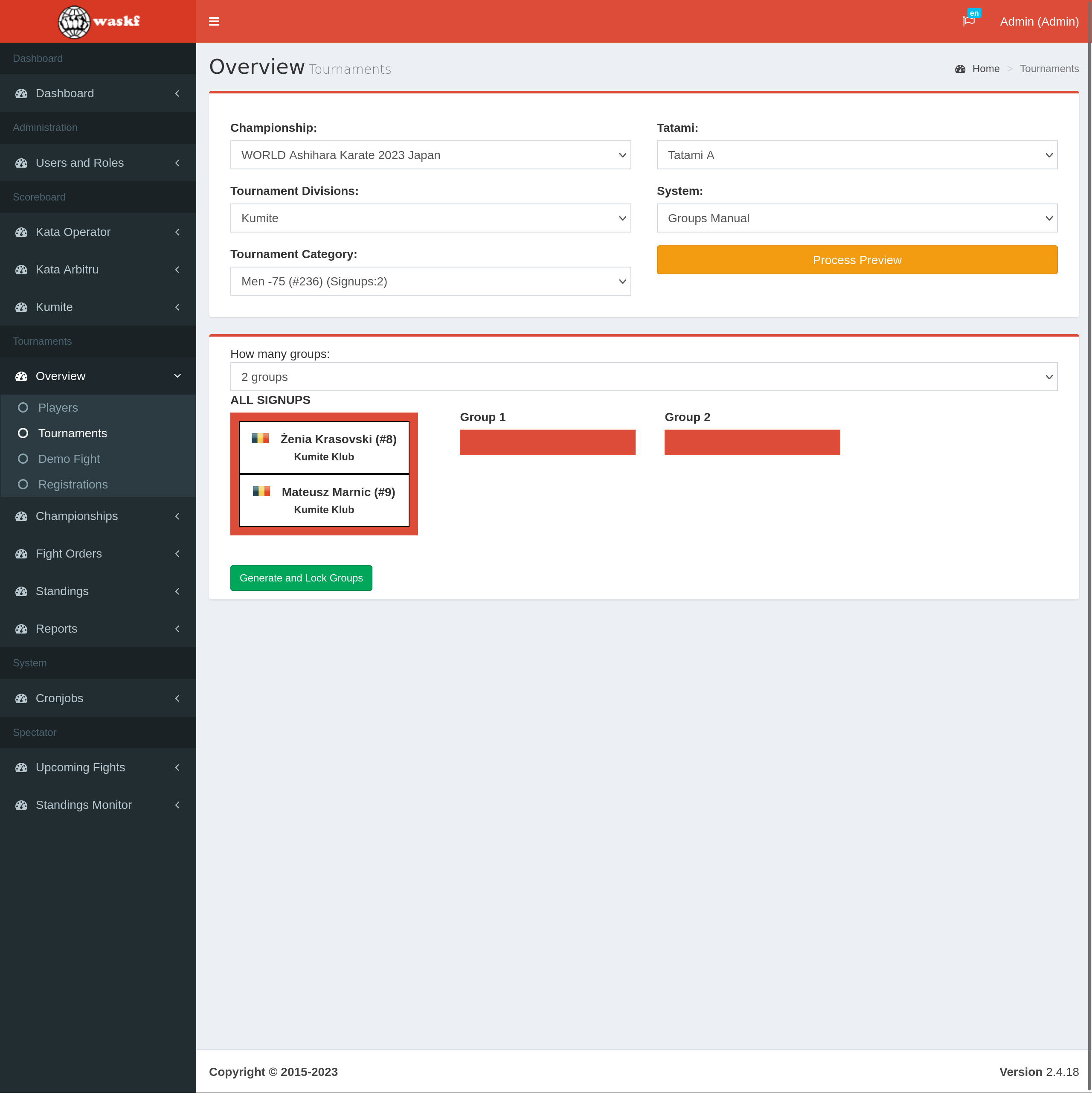
- Click the "Process preview" button to initiate the setup for category adjustments. It's important to note that at this step, no fights are generated.
- Depending on the selected tournament systems, such as groups or pyramids, the administrator must manually assign players to their positions within the structure
- After assigning the players to their respective positions, click the "Generate and lock" button. This action will generate the fights and add them to the selected tatami.